
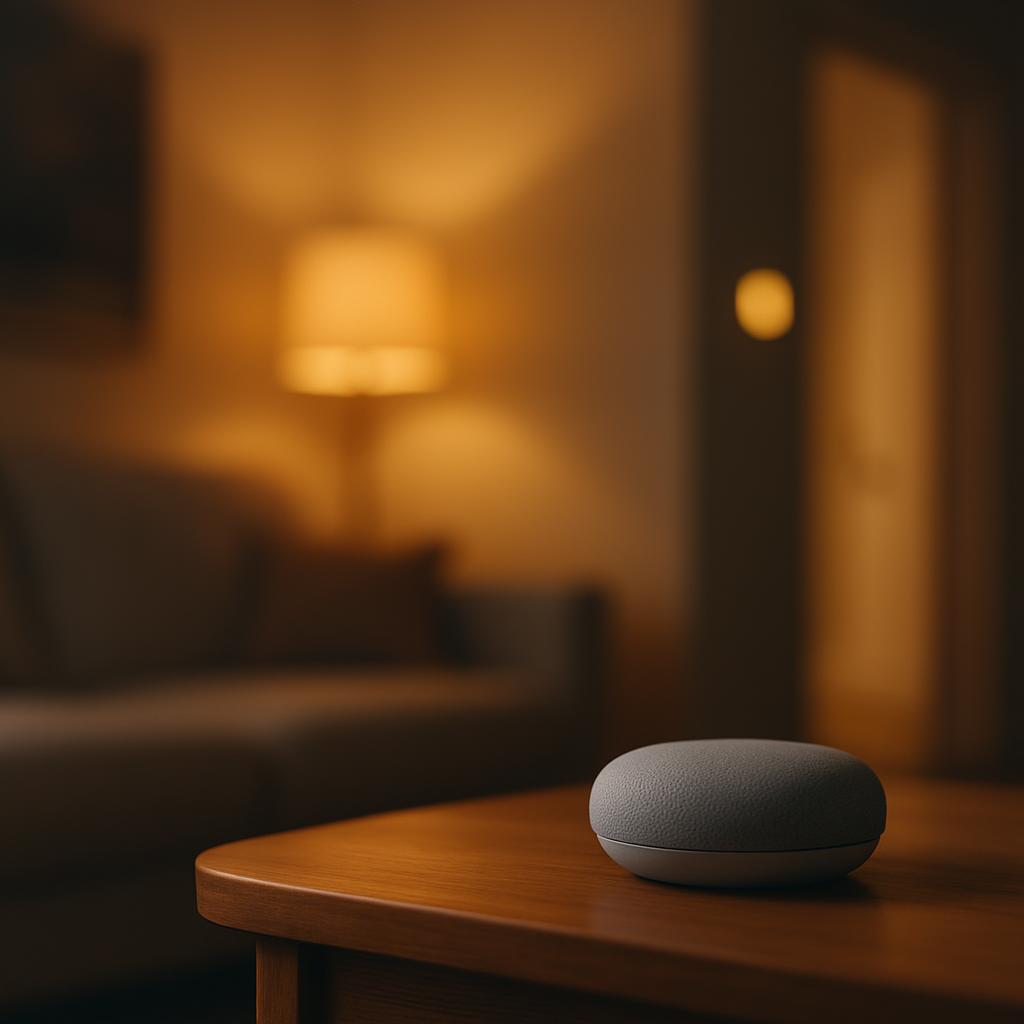
No single company makes the best smart home devices overall. Google, Amazon, Apple and Samsung each lead in different parts of the smart home - voice control, cameras, lighting, or working smoothly with a particular phone - so the right answer depends on what you already own and what you want the house to do. A newer industry standard called Matter has also made it easier to mix brands without everything breaking.
Key takeaways
- No one brand wins every category - Amazon leads on price and selection, Google on voice assistant quality, Apple on privacy and phone integration, Samsung on appliance control.
- A smart home is a set of connected devices that can be controlled remotely or automatically, usually through an app or voice assistant.
- The Matter standard, finalized in 2023 and still expanding in 2026, lets many devices from different brands work together.
- Starter smart home devices cost as little as $15-$50, but a whole-home setup usually runs several hundred to a few thousand dollars.
- Whether a smart home is worth it depends on your goals - security and energy savings tend to pay off fastest; pure convenience gadgets take longer to justify their cost.
What is a smart home?
A smart home is a house where everyday devices - lights, locks, thermostats, cameras, speakers - are connected to the internet so they can be controlled remotely, scheduled, or set to react to each other automatically.
The idea isn't new, but it became mainstream once smartphones and voice assistants made it simple to control devices without specialized knowledge. Instead of a wall panel or remote, most smart home products today connect through a phone app or a voice assistant like Amazon Alexa, Google Assistant, or Apple's Siri.
A basic smart home might just be a few smart bulbs controlled by an app. A full smart home links dozens of devices - door locks, cameras, speakers, thermostats, plugs, and sensors - so that, for example, locking the front door at night also turns off the lights and lowers the heat automatically.
What ties these devices together is a shared home network, usually Wi-Fi, along with shorter-range protocols like Zigbee, Z-Wave, or Bluetooth, and increasingly the Matter standard, which lets products from different companies talk to each other without each needing its own separate hub.
How does a smart home system actually work?
A smart home works by connecting devices to a network, giving them a way to receive commands, and letting them report their status back to an app or assistant.
- A device like a smart plug, bulb, or lock connects to your home Wi-Fi network, or to a hub that then connects to Wi-Fi.
- The device registers with a cloud service run by its manufacturer, such as Amazon, Google, or Samsung SmartThings.
- You control it through a phone app or by speaking to a voice assistant, which sends the command over the internet to the device.
- Many devices support automations - rules like 'turn off the lights at 11 p.m.' - that run without you doing anything.
- Devices built on the Matter standard can also talk directly to each other on the local network, which keeps basic functions working even if the internet connection drops.
Hubs matter here. Some devices, especially those using Zigbee or Z-Wave, need a central hub - like a Samsung SmartThings hub or an Amazon Echo with a built-in hub - to translate their signals into something your Wi-Fi router and phone can understand. Wi-Fi-only devices skip the hub but can use more power and sometimes crowd a home network if there are many of them.
Who has the best smart home devices?
The best smart home brand depends on the category: Amazon dominates affordable, wide-ranging gadgets; Google leads on voice assistant accuracy and Nest hardware; Apple offers the strongest privacy and iPhone integration; and Samsung is strongest for controlling major appliances alongside smart home devices.
Amazon's Echo and Alexa ecosystem has the largest number of compatible third-party devices, from budget plugs to video doorbells, and its prices are often the lowest in each category. Google's Nest line, including the Nest Thermostat and Nest Hub, is known for a smooth, fast voice assistant and reliable integration with Android phones, though its product range is narrower than Amazon's. Apple's HomeKit devices and HomePod speakers cost more but are built around strict privacy rules, processing voice data on the device where possible rather than sending everything to a server. Samsung's SmartThings platform stands out for linking smart home gadgets with its own televisions, refrigerators, and washing machines, which suits households already buying Samsung appliances.
Specialist brands also lead individual categories. Philips Hue remains a benchmark for smart lighting because of its color accuracy and reliability. Ring and Arlo are common choices for video doorbells and security cameras. Ecobee is frequently recommended for thermostats because of its added room sensors. None of these specialist brands try to compete on everything, which is part of why they do well in their one area.
| Brand | Strongest at | Typical downside |
|---|---|---|
| Amazon (Alexa/Echo) | Price, device variety | Heavier reliance on cloud data |
| Google (Nest) | Voice assistant accuracy | Smaller product range |
| Apple (HomeKit) | Privacy, iPhone integration | Higher prices |
| Samsung (SmartThings) | Appliance integration | Smaller third-party ecosystem |
| Philips Hue | Lighting quality | Lighting only, needs a bridge |
Is a smart home system worth it?
A smart home system is worth it for most households, but the value depends heavily on which devices you choose and how much you use their features rather than leaving them on default settings.
Security devices such as smart locks, doorbell cameras, and leak sensors tend to offer the clearest return, since they can prevent costly problems like break-ins or water damage. Smart thermostats can lower energy bills by automatically adjusting temperature when no one is home, though the exact savings depend on climate, home size, and energy prices, so readers should check their utility provider's own estimates rather than relying on a single figure. Convenience devices, like voice-controlled lighting or smart speakers, add comfort but are harder to justify on cost savings alone.
There are also real downsides. Subscription fees for cloud video storage or advanced automations can add up over time. Devices can stop receiving software updates after a few years, and a reliance on Wi-Fi means a router outage can disable basic functions like locking a door through the app.
- Pros: can lower energy use, adds convenience, improves home security, helps older or disabled residents live independently
- Pros: many devices now work across brands thanks to Matter
- Cons: upfront cost can be high for a full setup
- Cons: some features need a paid subscription
- Cons: devices depend on Wi-Fi and may stop getting updates after a few years
- Cons: more connected devices means more potential privacy and security exposure
What is the average cost of a smart home device?
Individual smart home devices typically cost between $15 and $250, while a full smart home setup for an average house usually totals several hundred to a few thousand dollars depending on how many rooms and devices are involved.
A smart plug or basic bulb is often the cheapest entry point, while smart locks, video doorbells, and multi-room speaker systems sit in the middle price range. Thermostats and whole-home security systems tend to be the most expensive single items, partly because of added sensors and professional installation options. Readers planning a purchase should check current retailer prices directly, since costs shift with sales events and new product launches.
| Device type | Typical price range |
|---|---|
| Smart plug | $15-$30 |
| Smart bulb (single) | $10-$50 |
| Smart speaker | $30-$150 |
| Video doorbell | $60-$200 |
| Smart lock | $100-$250 |
| Smart thermostat | $100-$250 |
| Security camera system (multi-camera) | $200-$600 |
Many people build a smart home gradually rather than buying everything at once, starting with one or two devices like a speaker or a plug and adding more as needs and budget allow. This approach also reduces the risk of committing to an ecosystem that turns out not to fit the household's needs.
What security and privacy risks come with smart home devices?
Smart home devices create privacy and security risks mainly because they collect data and connect to the internet, which means they can be hacked, tracked, or have their data shared without a user fully realizing it.
Cameras and microphones are the most sensitive devices, since a breach could let an outsider see or hear inside a home. Weak or reused passwords, outdated device software, and unsecured home Wi-Fi networks are the most common ways attackers gain access. Manufacturers also vary in how long they keep voice recordings or video clips, and in whether that data is used for advertising or product development.
Basic precautions reduce most of this risk. Using a strong, unique password and enabling two-factor authentication on the manufacturer's app, keeping device software updated, and placing cameras only where privacy is not a major concern, such as entryways rather than bedrooms, all help. Choosing devices from established manufacturers with a track record of security updates, rather than unfamiliar budget brands, is another practical safeguard.
- Use a separate Wi-Fi network (a guest network) for smart home devices where possible
- Turn on automatic software updates
- Review what data each app collects in its privacy settings
- Disable microphones or cameras on devices you rarely use
- Avoid placing cameras or microphones in private spaces like bedrooms
What's next for smart home technology?
The next phase of smart home technology centers on wider adoption of the Matter standard and more on-device processing, which reduces reliance on sending data to the cloud. As more manufacturers add Matter support, buyers should find it easier to mix brands - for example, using a Google speaker with an Apple-compatible lock - without needing separate apps for each.
Artificial intelligence is also being built into more devices, letting cameras tell the difference between a delivery driver and a stranger, or letting thermostats learn a household's schedule without manual programming. At the same time, regulators in regions including the European Union have been pushing device makers toward longer security update commitments and clearer data labeling, which should make it easier for buyers to compare products on privacy, not just price.
For now, the practical advice hasn't changed much: match the ecosystem to the phone and devices you already use, start small, and prioritize security basics before adding convenience features.
Frequently asked questions
Do smart home devices work if the internet goes down?
Some basic functions keep working, especially for devices built on the Matter standard that can communicate directly over the local network. However, most voice assistant features and remote app control stop working without an internet connection, since those commands are processed through the manufacturer's cloud servers.
Which smart home ecosystem is easiest for a beginner?
Amazon's Alexa ecosystem is generally considered the easiest starting point because of its low prices and wide device compatibility. Apple's HomeKit is also beginner-friendly for iPhone owners, though it tends to cost more.
Can smart home devices from different brands work together?
Yes, increasingly so, thanks to the Matter standard that many major brands now support. Before buying, check that a device lists Matter compatibility, or confirm it works with your main assistant, since some older or budget devices still only work within their own brand's app.
Do smart thermostats really save money?
They can reduce energy use by adjusting temperature automatically when no one is home, but actual savings vary by climate, home insulation, and local energy prices. Check your thermostat manufacturer's or utility company's own estimate for a realistic figure for your area.
Is it safe to use smart locks on a front door?
Smart locks from established manufacturers are generally considered safe when set up with a strong password and two-factor authentication, and most include a physical key backup in case of power or battery failure. The main risk comes from weak account security rather than the lock's hardware itself.